Nikon Z8 Ski Photography Settings (My Real Setup Explained)
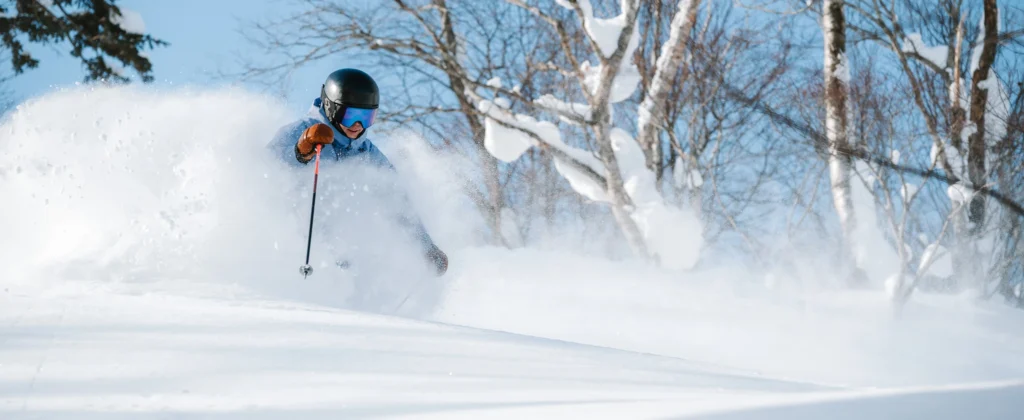
I often get asked what gear I use and how I set up my camera for ski photography, so I thought I’d put together a proper breakdown of how I use my Nikon Z8 in real conditions.
This isn’t a generic settings guide — it’s the actual setup I use when shooting skiing in the field, including how I configure autofocus and the way I control it while shooting.
In this guide, I’ll go through my Nikon Z8 ski photography settings, including autofocus setup, button customisation, and how I shoot in real conditions.
If you’re looking for a more general guide, I’ve also written a full post on how to photograph skiing, covering technique, positioning, and creative decisions.
This setup is aimed at photographers shooting fast-moving subjects like skiing, especially in challenging conditions like snow, trees, and variable light.
Why the Nikon Z8?
For ski photography, reliability matters just as much as image quality.
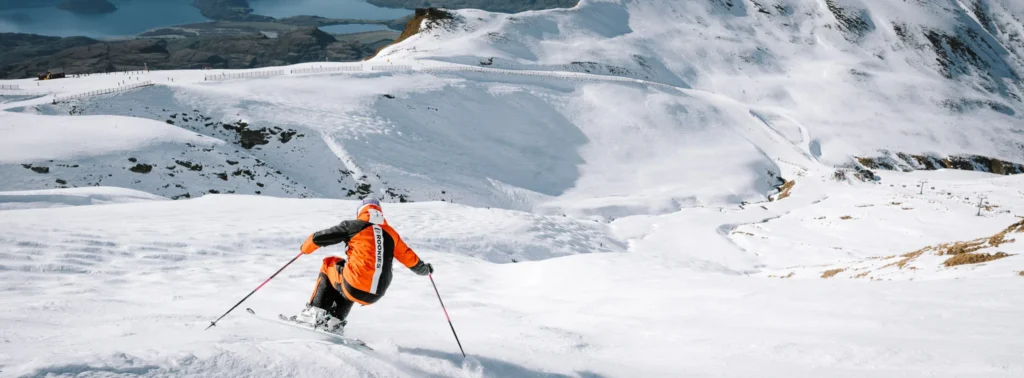
The Z8 has been extremely solid for me in harsh conditions. I shoot through winter in both Japan and New Zealand, and in Japan especially, that means very cold temperatures and heavy snowfall. I’ve used this camera in -20°C conditions and in intense snowstorms without any issues. In warmer conditions, I’ve also shot in light to moderate rain — I just wipe it down and keep going.
- It’s also a very fast camera, which is critical for skiing:
- Fast and reliable autofocus for tracking skiers moving toward you
- High frame rates to capture the exact moment
- Excellent image quality that holds up in difficult light and snow
I won’t go too deep into a full review here, but if you want more detail on the camera itself, you can read my full post on the Z8.
Gear I Use for Ski Photography
For most of my ski photography, I keep things fairly simple and try to use lenses that give me flexibility without constantly changing gear in cold conditions.
Nikon Z 70-200mm f/2.8 VR S
This is my main lens for ski photography. It’s incredibly versatile and lets me quickly switch between action shots and tighter portraits in the snow without needing to change lenses.
The range is ideal for capturing skiers at a distance, while still being able to zoom in for more detail and compression when needed.
Nikon Z 24-120mm f/4 S
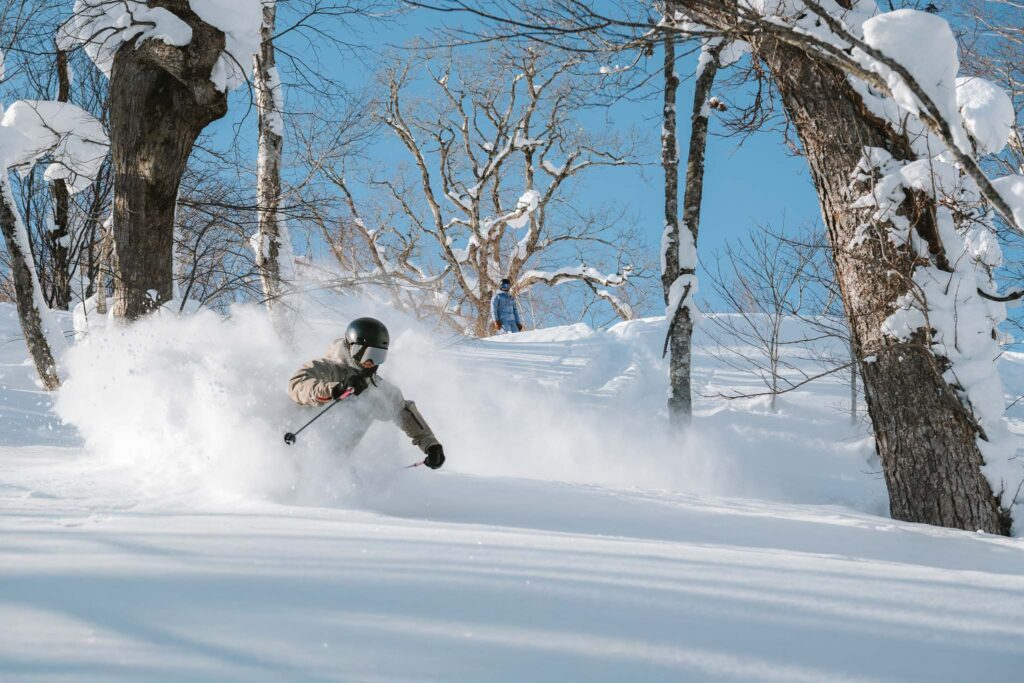
I also use the 24–120mm when I want more range on the wider end or when I’m shooting in tighter terrain like trees.
It’s a great option for closer action shots, and it’s also the lens I’ll take if I’m heading into the backcountry and only want to carry one lens. It’s lighter and more compact than the 70–200, which makes a big difference on longer days.
If you’re looking for a lighter or more budget-friendly option, something like the Nikon Z 24–200mm can cover a wide range of situations in a single lens. It’s not as strong optically as the others, but it’s a very practical choice, especially for travel or when you want to keep things simple.
Some of the links above are affiliate links, which means I may earn a small commission at no extra cost to you.
Nikon Z8 Ski Photography Settings (My Setup)
This is how I set up my camera for ski photography.
A lot of this setup will also work for other action sports, and even wildlife photography, with a few small adjustments.
The key thing to understand is that I don’t rely on a single autofocus mode. Instead, I’ve set the camera up so I can quickly switch between different AF modes depending on what’s happening in front of me.
In the next section, I’ll break down exactly how I’ve configured my autofocus system and the custom buttons I use to control it while shooting.
Autofocus Setup and Custom Controls
The most important part of my Nikon Z8 setup for ski photography is autofocus, but more specifically, how I control it.
I shoot using back button focus, so autofocus is controlled using buttons on the front and back of the camera rather than the shutter.. This lets me separate focusing from taking the shot, which makes it much easier to stay in control when things are moving quickly.
Rather than relying on a single AF mode, I’ve set the camera up so I can quickly switch between different autofocus options depending on what the skier is doing and what’s in the background.
I also keep human subject detection turned on, as it helps the camera prioritise the skier, especially when they are moving directly toward me.
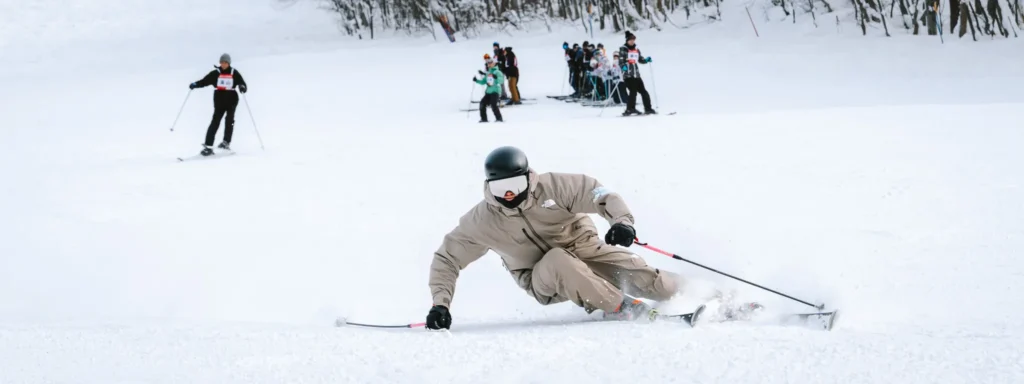
AF-ON — Wide Area AF (Main Mode)
Most of the time, I’m using the AF-ON button (back button focus) with Wide Area AF, with human subject detection enabled.
This is my default when a skier is coming towards me in relatively open terrain. The subject detection helps the camera lock onto the skier, while the wider AF area gives me more flexibility to place the subject where I want in the frame, rather than being locked into the centre.
It gives a good balance between tracking the subject and not getting distracted by things like snowflakes or trees in the background.
In some situations, like heavy snowfall or when the subject is partially obscured, subject detection can become a bit inconsistent. In those moments, I rely more on my AF area choice rather than expecting the camera to pick the subject perfectly.
DISP Button — 3D Tracking
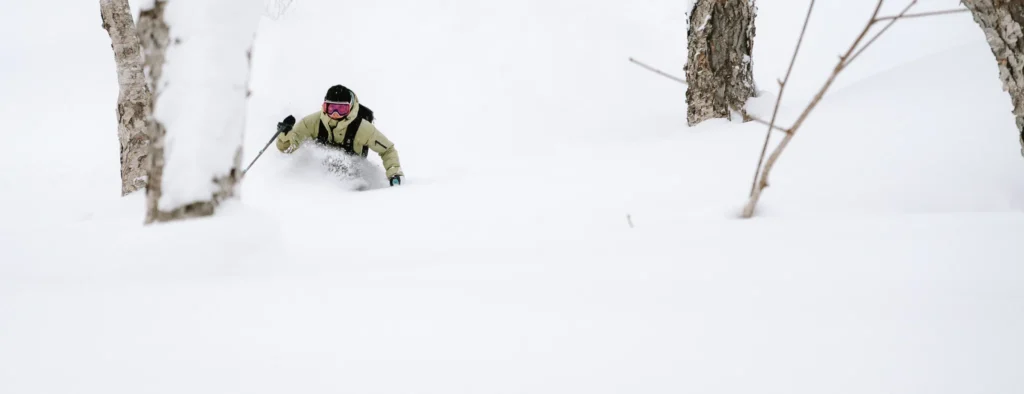
I have 3D tracking assigned to the DISP button.
I’ll switch to this when I want to lock onto a specific subject and let the camera follow them through the frame. This can work really well when the subject stands out clearly from the background, but in heavy snowfall or busy terrain it can sometimes grab the wrong thing.
Because of that, I don’t leave it on all the time — it’s something I switch to when the situation suits it.
FN1 — Single Point AF
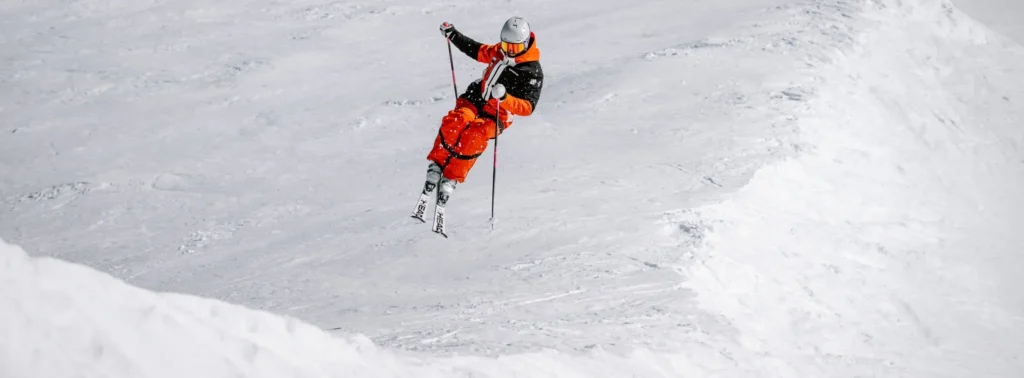
For more precise situations, I use Single Point AF mapped to the FN1 button.
The FN1 button sits on the front of the camera, right where my fingers naturally rest, so it’s very quick and easy to access without needing to move my hand position.
This comes into play when things get more complex — for example, shooting through trees or in busy scenes where there’s a lot in front of the subject.
With wider AF modes, the camera can sometimes start to hunt or grab the wrong thing if there are branches, snow, or other distractions in the frame. When that happens, I’ll switch to Single Point AF and place the focus exactly where I want it. This usually snaps straight onto the subject and gives me much more control.
Since Nikon has improved subject detection with firmware updates, I don’t need to rely on this as much as I used to, but it’s still an important backup when things aren’t working perfectly.
It’s also especially useful for wildlife — particularly when shooting birds through trees — where precise control over focus is critical.
How I Use This in Practice
The key to this setup is that I’m not changing settings in menus while shooting — everything is controlled through buttons so I can react instantly.
In reality, I’m using Wide Area AF most of the time. It’s my default for skiing and handles the majority of situations well.
I rarely use 3D tracking, but it’s there if I want to lock onto a subject more deliberately when the conditions suit it.
Single Point AF is more of a backup. I’ll use it in very complex scenes, like shooting through trees, or if the camera loses the subject and won’t pick it back up properly. In those situations, I can quickly switch to Single Point, place focus exactly where I want it to reset, and then go straight back to Wide Area AF.
This kind of setup makes a big difference — instead of relying on one AF mode for everything, I can quickly adapt when things aren’t working perfectly.
Autofocus Behaviour Settings
Alongside the autofocus modes and button setup, there are a couple of menu settings that make a big difference to how the camera behaves in real shooting situations.
AF-C Priority Selection
I have AF-C priority set to Focus + Release.
For skiing, timing is just as important as focus. This setting gives a good balance — the camera will still fire when I need it to, but it’s less likely to capture completely out-of-focus frames.
If you set it to focus priority only, the camera can hesitate and miss the moment. If you set it to release priority, it will fire instantly, but you’ll end up with more missed focus shots. This feels like the best middle ground for real-world use.
Blocked Shot AF Response
I have blocked shot AF response set to 3.
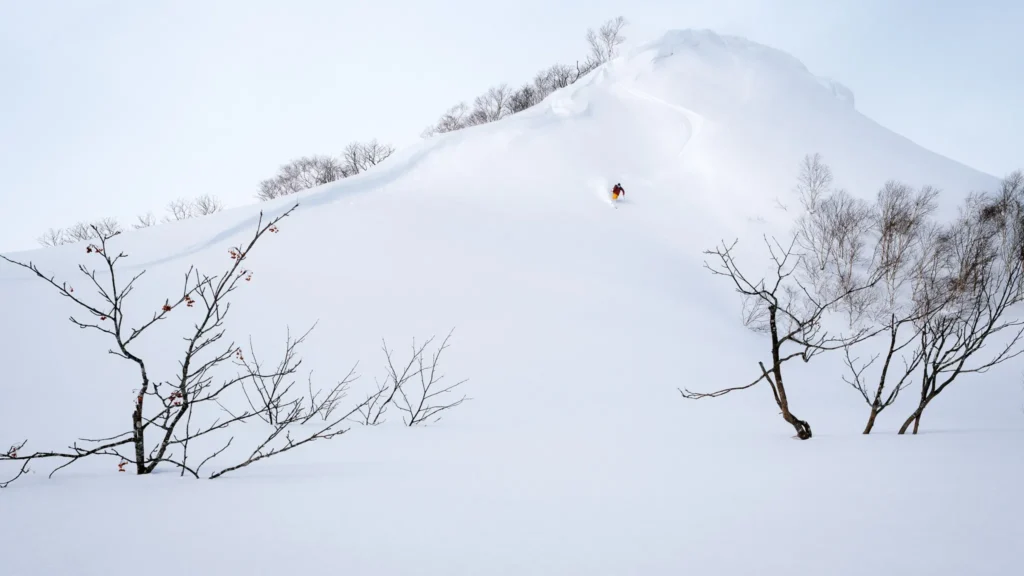
Ski photography often involves snow, trees, or other elements briefly passing between you and the subject. This setting controls how quickly the camera reacts when something interrupts the view.
I originally had this set to a more responsive setting, but found the focus was too jumpy — it would often grab snow or background elements and it was costing me critical shots.
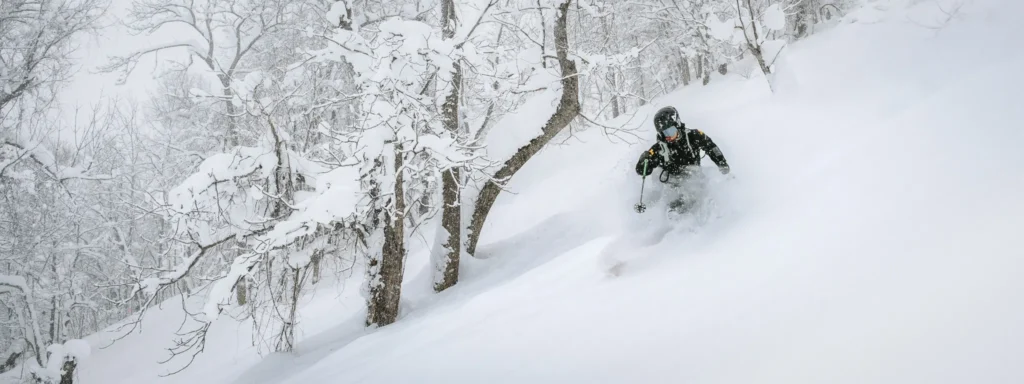
I remember one deep powder day shooting through some trees, with a few small branches in front of me. The shots leading up to it were all in focus, but on the one frame that would have been the money shot, the camera jumped and locked onto a small branch beside the skier instead.
After experimenting with different options, I found that 3 gives the best balance. It’s stable enough to stay locked onto the skier, but still responsive enough to react when things genuinely change. Since adjusting this, I don’t run into that issue nearly as often.
Exposure Setup (How I Shoot)
I won’t go into full detail here, as I’ve covered general ski photography settings in my other ski photography post, but this is how I typically approach exposure on the Z8.
Most of the time I’m shooting in manual mode with Auto ISO.
Shutter speed is the priority. For skiing, I’m usually working somewhere between 1/1000 and 1/2000 depending on the speed of the skier and the type of shot I’m trying to get.
Aperture depends more on the look I want and the lens I’m using, but I’m often somewhere around f/2.8 to f/5.6.
Drive Mode and Shooting Speed
I don’t always use the highest frame rate. Slowing it down a bit helps reduce the number of frames I have to go through later, which saves time when culling and also keeps file sizes more manageable.
At the same time, it still gives me enough frames to capture the moment, especially when working with experienced skiers where I can anticipate timing more accurately.
If the skier is moving faster, or there’s a more critical moment where I really need to make sure I get the shot, I’ll increase the frame rate to around 10 fps or higher.
I have my drive modes mapped to the FN2 button, which lets me quickly adjust frame rate without going into menus. While holding FN2, I can scroll through the different frame rate options using the rear dial, so it’s all right at my fingertips.
This makes it quick and easy to adapt depending on the situation, without taking my eye away from the viewfinder.
Shooting in Snow (Exposure and Metering)
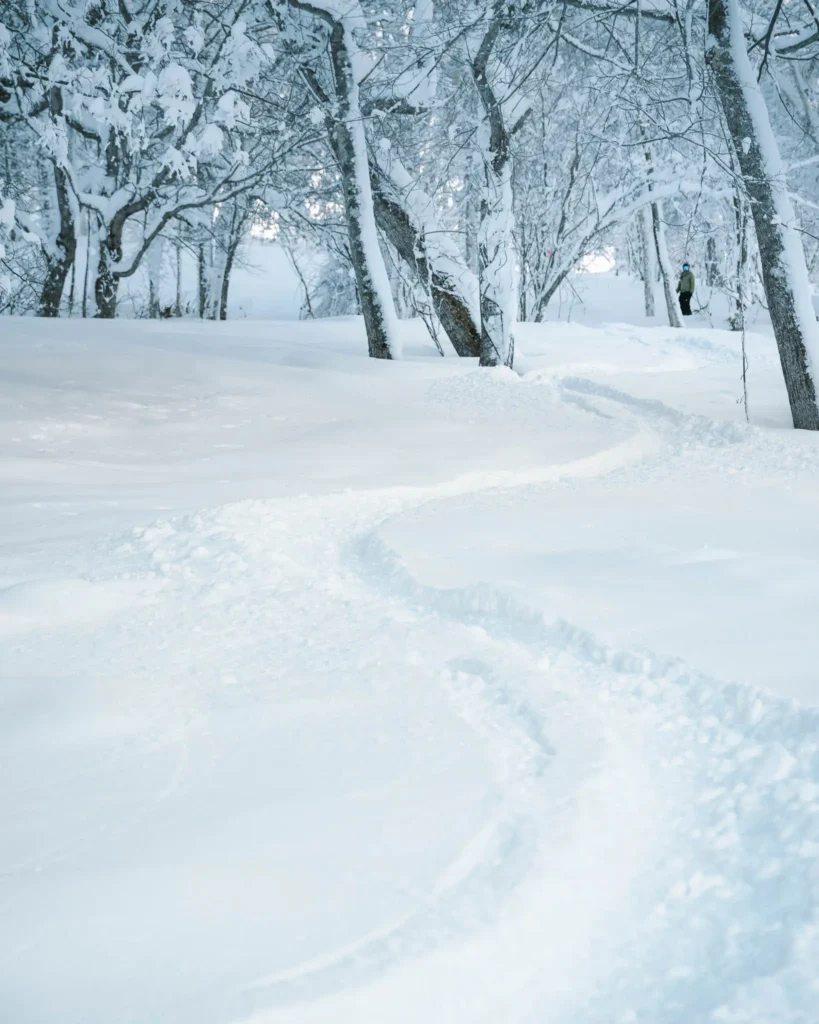
Snow can easily fool the camera into underexposing, so I’m always paying attention to that.
If needed, I’ll slightly overexpose to keep the snow looking clean and white rather than grey. With mirrorless, it’s easy to judge this through the viewfinder, so I’m constantly adjusting as conditions change.
I also have the histogram displayed in both the viewfinder and on the rear screen, which helps me keep an eye on exposure while shooting.
On top of that, I’ll often use exposure compensation of around +1 as a starting point in snowy conditions, then fine-tune from there depending on the light.
White Balance
For white balance, I usually just leave it on Auto.
Since I’m shooting RAW, it’s not something I worry too much about — I can adjust it easily in post if needed. As long as exposure is correct, colour is rarely an issue when shooting outside in snow.
File Format
I shoot everything in RAW.
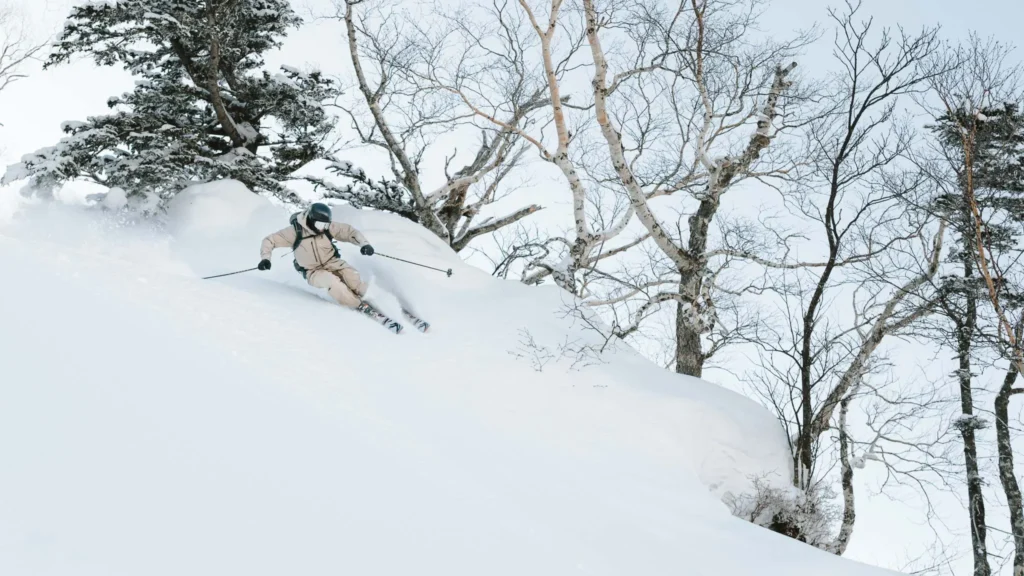
This gives me more flexibility when editing, especially in high contrast snow scenes where recovering highlights and shadows can be important.
Custom Banks
I do use a separate custom bank for wildlife photography, but the overall setup is very similar.
The main differences are small things like subject detection and a few tweaks to how autofocus behaves. The core system — using different AF modes mapped to buttons — stays the same.
Final Thoughts
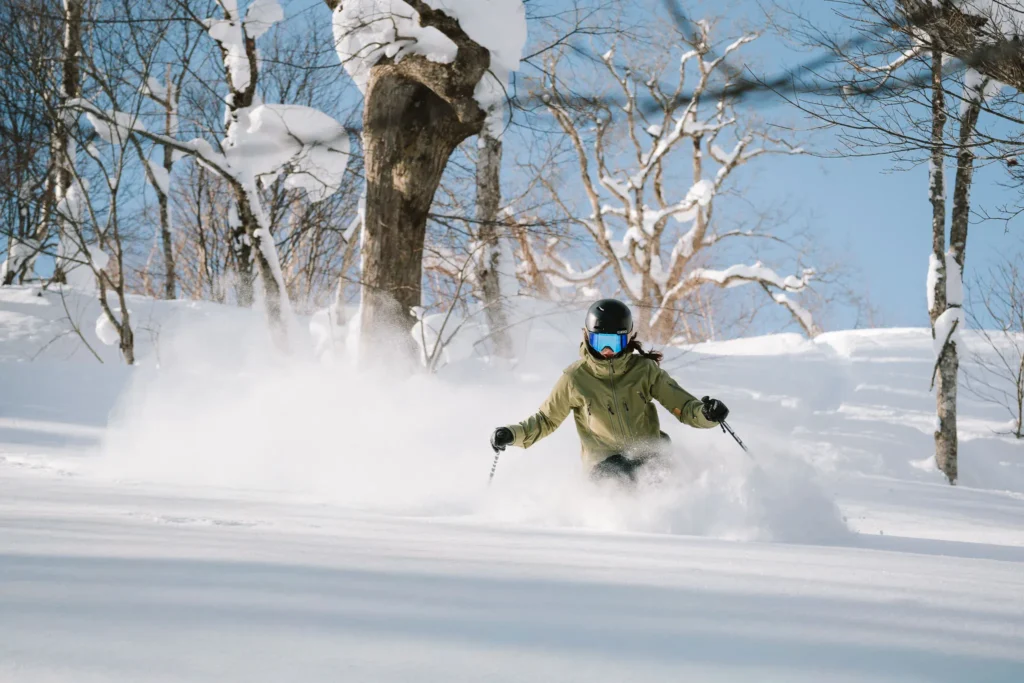
This setup has worked well for me across a wide range of ski photography situations, from clear days to heavy snowfall.
The biggest thing isn’t any single setting — it’s having a system that lets you react quickly and adapt to what’s happening in front of you.
If you want a broader breakdown of technique, positioning, and general ski photography settings, you can read my full guide on how to photograph skiing.
If you’re interested in more content like this — including photography guides, locations I shoot, and how I approach shooting in different conditions — have a look through the rest of the blog.
You can also sign up to my newsletter below to stay updated when I post new guides and share new work.
My Nikon Z8 Ski Setup (Quick Summary)
- Back button focus (AF controlled via front and rear buttons, not the shutter)
- AF-ON → Wide Area AF (main mode, human subject detection on)
- DISP → 3D Tracking
- FN1 → Single Point AF
- FN2 → Drive mode (adjust FPS with rear dial)
- AF-C Priority → Focus + Release
- Blocked Shot AF Response → 3
- Manual mode with Auto ISO
- Shutter speed: ~1/1000–1/2000
- Burst: ~7–12 fps depending on situation
- Exposure compensation: around +1 in snow
- Histogram visible in EVF and rear screen
- RAW shooting
- Auto white balanceYour Attractive Heading